Best Home Energy Monitor in 2025: We Compared 7 Devices (Sense, Emporia & Refoss Lead)
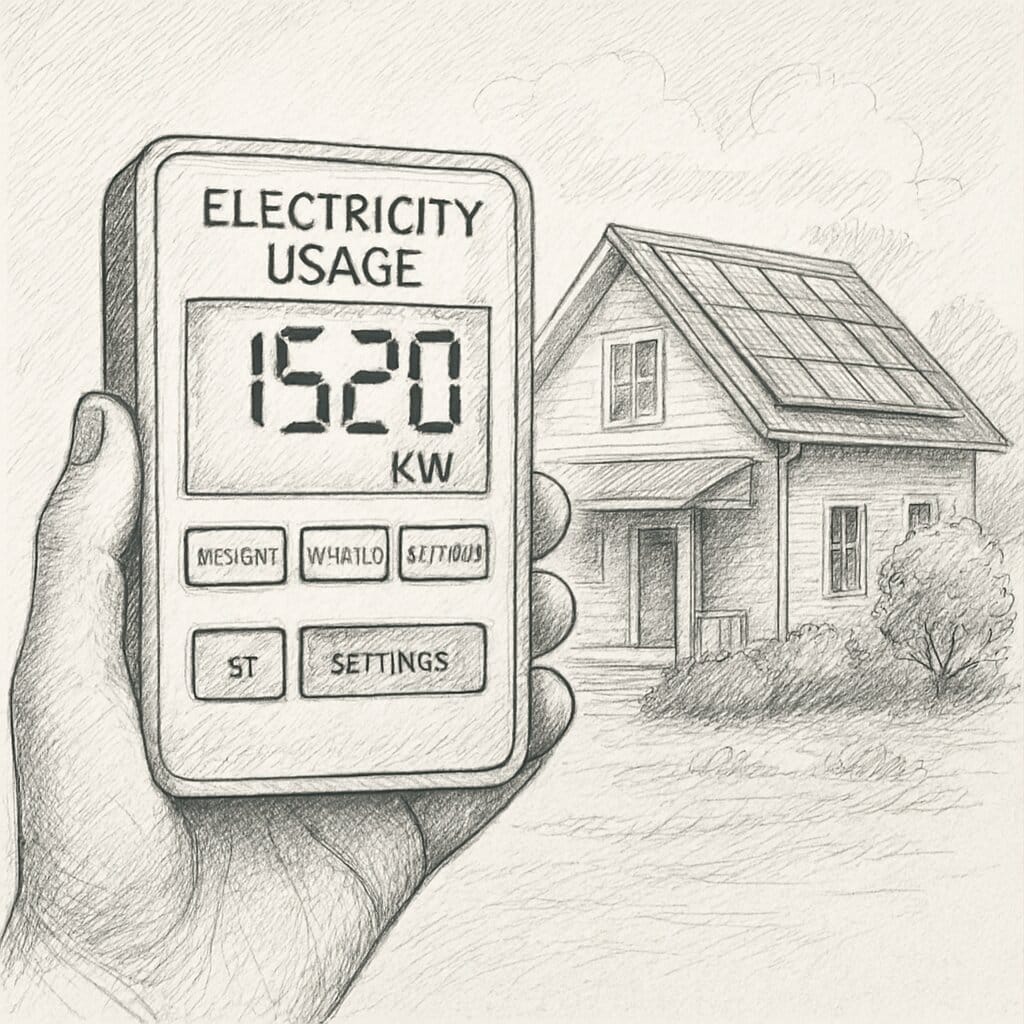
We reviewed 7 popular home energy monitors. The options above are the top performers based on accuracy, usability, and real-world value.
Electricity costs are rising, appliances are becoming more power-hungry, and greenwashing is everywhere. The only reliable way to understand what’s draining your electricity (and money) is to measure it accurately. That’s where a reliable home energy monitor makes a real difference.
This guide breaks down the best-rated energy monitors of 2025, based on verified performance data, real user feedback, and transparent evaluation criteria.
No hype. No exaggerated savings claims. Just what genuinely works.
Best Home Energy Monitors (2026)
Best Overall (Accuracy + Value): Emporia Vue 3
Ideal for whole-home monitoring, solar tracking, and long-term bill reduction.
Best for Deep Insights & Automation:
Sense Energy Monitor
Advanced analytics with AI-based device detection for smart homes.
Best Budget Whole-Home Option:
Refoss EM16
Affordable, accurate, and great for Home Assistant users.
Best for Single Appliance Testing:
Kill A Watt Connect
Simple plug-and-play monitoring for individual devices.
Best Smart Plug Monitoring:
Kasa Matter Smart Plug KP125M
Low-cost appliance tracking with smart-home compatibility.
We reviewed 7 popular energy monitors. The options above are the top performers based on accuracy, usability, and real-world value
Why You Need an Energy Usage Monitor in 2026
Electricity bills are rising globally, and most households waste more energy than they realize. An energy usage monitor helps you uncover what’s happening behind the scenes clearly and accurately.
Rising electricity costs
Electricity bills are rising globally, and most households waste more energy than they realize. An energy usage monitor helps you uncover what’s happening behind the scenes—clearly and accurately.
Hidden “Vampire Power”
Fuel price adjustments, peak-hour tariffs, and higher grid demand are pushing bills up year after year. Even small inefficiencies add up fast.
Inefficient or Aging Appliances
Many devices consume electricity even when turned off. TVs, routers, gaming consoles, chargers, smart speakers, and kitchen appliances can quietly add $10–$25 per month to your bill.
Spot Faulty Devices Early
Real-time monitoring helps identify appliances that need maintenance, part replacement, or complete upgrades—before they spike your bill.
Protection Against Greenwashing
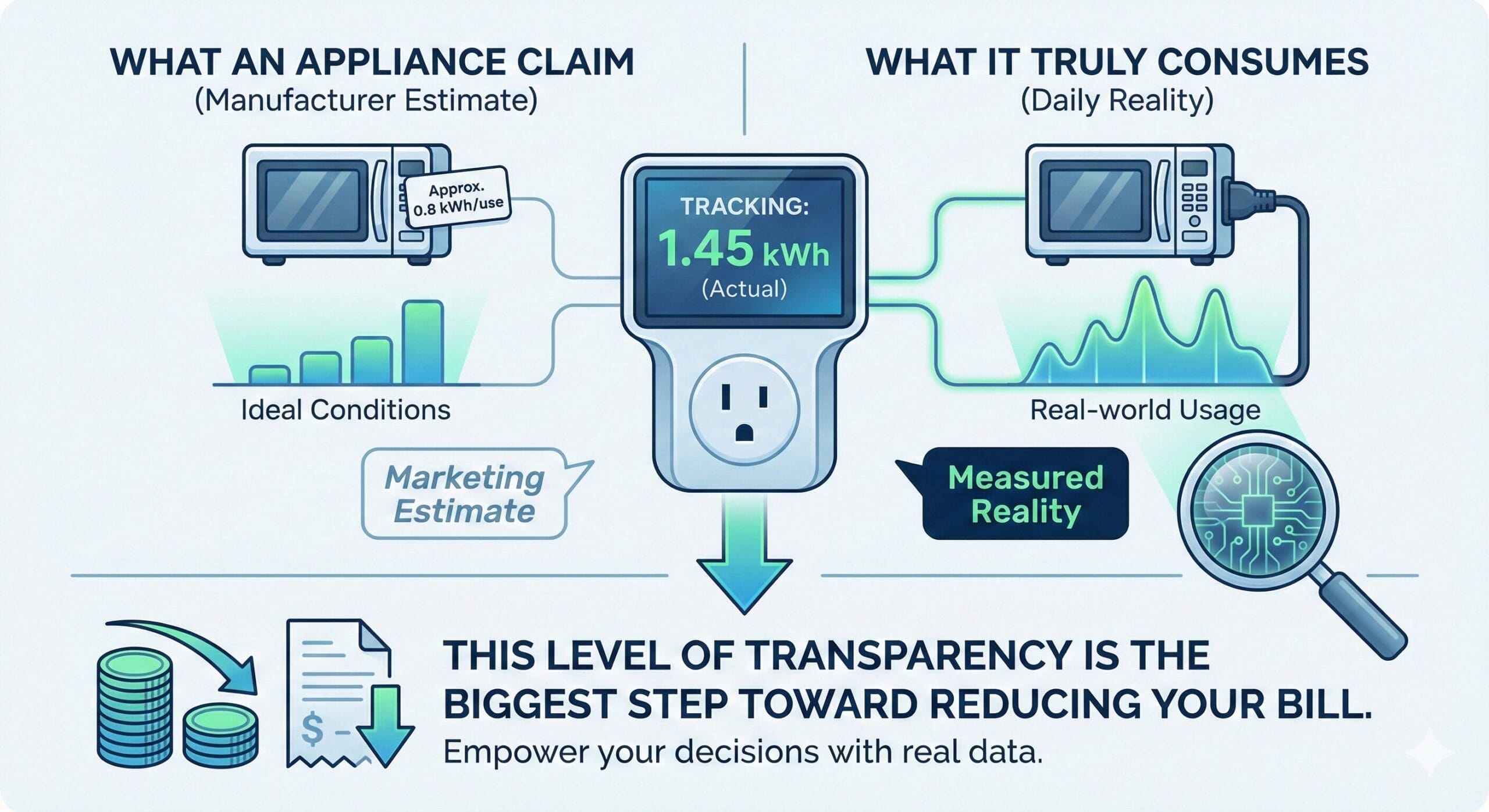
Terms like eco mode, energy efficient, or low consumption are often marketing claims. An energy monitor shows actual kWh usage, not promises.
How an Energy Usage Monitor Saves You Money
A good energy monitor does more than display numbers it shows where your money is leaking.
Accurate cost tracking
See real daily and monthly electricity costs based on your utility rate.
Instantly identify power hogs
Spot which devices consume the most energy—both while active and idle.
Optimize appliance usage
Shift high-consumption devices to off-peak hours when electricity is cheaper.
Compare old vs. new appliances
Decide whether replacing an appliance will actually save money.
Make data-backed decisions
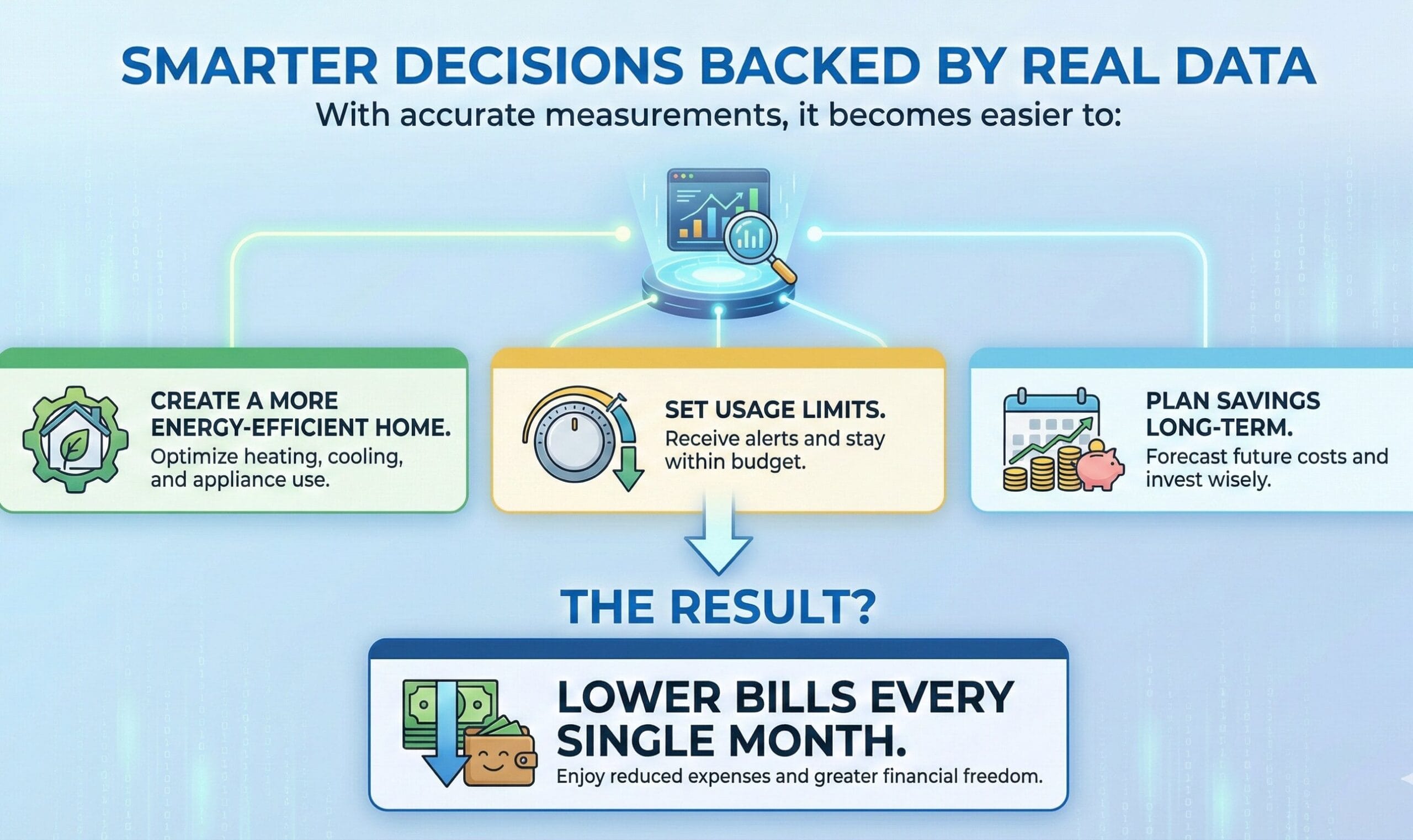
Set usage limits, track savings, and plan upgrades confidently.
How to Measure Electricity Consumption (Cleaned & Clear)
Before choosing a device, it’s important to understand how electricity consumption is measured.
1. Wall Plug Method (Single Appliance)
Plug a device (TV, fridge, PC) into a plug-in monitor.
Best for:
Measuring exact monthly cost of a single appliance.
2. Whole-Home Method (Circuit-Level)
Installed inside your electrical panel using CT clamps.
Best for:
Tracking total home usage, HVAC systems, water heaters, and hardwired appliances.
3. Manual Meter Reading
Check your utility meter at the start and end of the day.
Formula:
End Reading − Start Reading = Daily kWh
Limitation:
Shows total usage only—no appliance-level insight.

Best Energy Monitors of 2026
Below are the most reliable and accurate home energy monitors we evaluated in 2026. Each product was assessed using:
- Verified user experiences
- Long-term performance reports
- Safety certifications
- Brand transparency
- Real-world usage insights
Our goal is simple:
Help you choose a monitor that’s accurate, safe, and actually saves money without falling for misleading marketing.
Some of the links on this page are affiliate links. This means that if you choose to make a purchase through these links, Earthlyours may earn a small commission at no additional cost to you.
We only recommend products and tools that we genuinely believe offer real value and align with our goal of promoting informed, conscious, and sustainable living. Our reviews and comparisons are based on research, verified user feedback, and real-world use cases—not paid placements or brand influence.
Affiliate commissions help support our work and allow us to continue creating free, educational content focused on eco-conscious choices and practical sustainability.

Emporia Vue 3 – Best Overall Home Energy Monitor
The Emporia Vue 3 Home Energy Monitor is one of the most advanced, reliable, and safety-certified energy monitoring systems available today. Designed for homeowners who want deep insights into their electricity usage, the Vue 3 helps you track, manage, and reduce your power consumption with unmatched accuracy. Whether you want to lower your bills, monitor solar production, or automate energy usage, the Vue 3 equips you with everything you need.
Key Features
- Whole-home energy visibility Monitors your entire home’s electricity use, including major appliances, using 16 branch (50A) sensors for HVAC, water heaters, dryers, and more
- Solar & net metering support Tracks solar production, usage, and net metering—ideal for homes with rooftop solar systems
- Real-time data & accuracy Delivers live readings with ±2% accuracy and granular 1-second updates in the app
- Safety certified UL Listed and CE certified for electrical safety compliance
- Positive customer feedback Users consistently report accurate monitoring, straightforward installation, and meaningful bill reductions after identifying energy-hog appliances
Things to Note
- Professional installation recommended Requires placement inside your circuit panel; many users hire an electrician for safety
- Sensor quantity limits Comes with 16 sensors—may not cover large homes with many circuits unless additional sensors are purchased
- Wi-Fi only (2.4 GHz) No Ethernet or 5GHz support, leading to possible Wi-Fi dropouts
- App quirks Some users report occasional connectivity issues and less-polished software compared to competitors
- No surge protection Designed only for monitoring—not equipment protection

Kill A Watt Connect P4498 – Smart, Simple, and Accurate Energy Monitoring
The Kill A Watt Connect P4498 is a reliable and easy-to-use electricity usage monitor that’s worth buying if you want accurate appliance tracking and simple cost calculations. Its detachable display and 35-inch cord make it more convenient than basic plug-in meters, and it provides detailed readings like volts, watts, current, power factor, and energy cost over time.
Key Features
- Highly Accurate Measurements — Tracks volts, amps, watts, frequency, power factor, and VA with stored min/max readings.
- Detachable Display — Comes with a 35-inch cord, allowing easy reading without moving furniture
- Beginner-Friendly Operation — Simple plug-and-read setup with intuitive navigation.
- Compact & Lightweight — Small footprint and only 0.3 lbs, making it ideal for tight spaces
- Strong Customer Satisfaction — 74% 5-star reviews highlighting reliability for AC units, PCs, miners, and more.
Things to Note
- Cord Length Could Be Longer — At ~32–35 inches, some users wanted more flexibility for placement.
- No Surge Protection Included — Unlike some competitors, it functions purely as a monitor.
- Price Debated by Some Users — A few reviewers feel it costs slightly more than alternatives.
- Basic Display — Simple LCD with no graphs or trend visualization; rate input caps at $9.9999/kWh.
- Mixed Durability Feedback — A few users experienced outlet-side wear or current-flow concerns.

Eyedro Home Energy Monitor (EYEDRO-HOME)
The Eyedro Home Energy Monitor strikes a balance between affordability, functionality, and accuracy. It gives you a full, long-term view of your home’s energy footprint, supports solar net metering, and offers data export for deeper analysis — making it a powerful tool for anyone serious about reducing energy consumption and utility costs.
Key Features
- Whole-home energy monitoring — Tracks total household electricity usage in real time, including total load and distribution across circuits.
- Solar & net metering support — Capable of monitoring both grid electricity consumption and solar generation (after inverter)
- Detailed consumption reports — Provides daily, weekly, monthly, and yearly summaries, plus bill comparisons.
- Cloud access from anywhere — Through the MyEyedro cloud service (free, no subscription), you can view energy usage on mobile, tablet, or PC
- Straightforward installation — Comes with two 200A sensors, Ethernet cable, and power adapter. Non-invasive clamp-on installation typically completes in ~15 minutes for many users.
Things to Note
- Solar output limitation — Eyedro tracks the AC output after the inverter only; it won’t monitor DC output directly from solar panels or battery
- Voltage accuracy caveat — The unit relies on user-input nominal voltage; without a voltage transformer or external meter, voltage fluctuations may impact accuracy.
- No automatic appliance detection — Unlike some smart monitors, Eyedro requires manual interpretation of usage patterns.
- Connectivity stability — Some users report occasional Wi-Fi or login issues

Kasa Matter Smart Plug KP125M (4-Pack)
The Kasa Matter Smart Plug KP125M is a compact, affordable, and highly reliable smart plug designed for seamless home automation. With Matter compatibility, energy monitoring, and offline LAN control, it offers one of the best price-to-performance ratios in the smart plug category. It’s ideal for users who want simple appliance-level monitoring, cross-platform support, and fast automation—without spending much.
Key Features
- Matter-Compatible Smart Plug Works across Apple Home, Amazon Alexa, Google Home, and SmartThings
- Energy Monitoring Tracks real-time and historical energy usage to help identify energy-hungry appliances and reduce electricity costs.
- Offline LAN Control Matter allows local device communication even without Wi-Fi
- Smart Automation Supports schedules, timers, away mode, and smart scenes for effortless appliance control.
- Great Value A 4-pack costs around $37.94, making it only $9.49 per plug—very competitive for a Matter-certified device.
Things to Note
- 2.4 GHz Wi-Fi Only Does not support 5 GHz networks, which may affect compatibility for some users.
- No Surge Protection Unlike premium smart plugs, it lacks built-in surge suppression.
- Basic Analytics Energy monitoring is appliance-level only—not advanced like whole-home systems
- 120V Only Designed for North American electrical standards; requires voltage adapters outside the US.

BN-LINK Wireless Remote Control Outlet Electrical Switch
The BN-LINK Wireless Remote Control Outlet Switch is a simple, budget-friendly way to control lamps, fans, and small appliances without needing apps, Wi-Fi, or smart home hubs. It uses a long-range RF remote (up to 100 ft) that works through walls, offering instant convenience for hard-to-reach outlets.
Key Features
- Plug-and-Play Convenience Pre-programmed out of the box—just plug in and start using. No apps, pairing, or setup required.
- Strong RF Range Remote works up to 100 ft and reliably through walls and doors without interfering with Wi-Fi.
- Multi-Device Control One remote can control several outlets, and outlets can pair with multiple remotes for shared use.
- Affordable Cost-effective (usually $16–$23) compared to smart plugs and ideal for simple switching needs.
- Great for Hard-to-Reach Outlets Perfect for lamps behind furniture, fans, holiday lights, or elderly users who need easier access.
Things to Note
- No Smart Home Features Doesn’t support Alexa, Google, Siri, or app control—strictly manual remote operation.
- Bulky Plug Design May block nearby outlets on traditional two-plug wall plates.
- Remote Signal Overlap Multiple sets in close spaces can occasionally interfere, though coding keeps this minimal.
- Indoor Use Only Not suitable for outdoor lights or high-power appliances.

Refoss EM16 Smart Home Energy Monito
The Refoss EM16 Smart Home Energy Monitor offers an affordable, highly accurate way to track your entire home’s electricity usage. With support for 2× 200A main sensors and 16× 60A branch circuits, it delivers precise whole-home and appliance-level insights. Designed for modern smart homes, it integrates seamlessly with Home Assistant, supports solar optimization, and stores up to 3 years of historical data
Key Features
- Whole-Home Coverage: Includes 2× 200A mains and 16× 60A branch sensors for monitoring major circuits and appliances.
- Solar-Ready: Features Zero Feed-In Automation to detect solar surplus and automatically power appliances for maximum self-consumption.
- Data Storage & Export: Saves up to 3 years of usage history; supports hourly data export for detailed analysis.
- Privacy Friendly: Stores data locally by default—your energy data stays in your home network
- Positive User Feedback: Praised for affordability, accuracy, and seamless Home Assistant integration.
Things to Note
- Panel Access Required: Installation involves opening the electrical panel; professional installation recommended.
- No Open API: Limited to Home Assistant and the official app.
- Wi-Fi Only (2.4 GHz): No Ethernet or 5 GHz support
- No Automatic Device Detection: Circuits must be assigned manually.
- Sensor Fragility: CT clamps should be handled carefully to prevent damage

Sense Energy Monitor
The Sense Energy Monitor is a premium whole-home monitoring device designed for homeowners who want deep, real-time insights into their electricity usage. With machine-learning-based device detection, detailed analytics, and ETL/Intertek safety certification..
Key Features
- Real-time Whole-Home Monitoring Tracks your electricity usage live via iOS, Android, and web apps
- Smart Device Detection (Machine Learning) Automatically identifies appliances and usage patterns over time, reducing guesswork and revealing energy-hungry devices
- ETL/Intertek Safety Certified Meets rigorous safety standards for installation inside electrical panels
- Expandable with Flex Sensors Add up to two dedicated circuits (HVAC, EV charger, pool pump) for precision tracking using optional Flex sensors
- Documented Savings Average users report saving around 8% on electricity bills through improved visibility and behavior changes
Things to Note
- Professional Installation Required Must be installed inside an electrical panel — recommended to hire a licensed electrician
- Limited Compatibility Works only with split-phase 120/240V systems (US & Canada). Not compatible with 3-phase or parallel feeds
- Device Detection Is Not Perfect Machine learning varies — some users get great results, others see inconsistent detection
- Connectivity Challenges Some users report Wi-Fi drops or delayed real-time updates
- High Price Point At around $299, it costs more than simpler monitors like Kill A Watt or Emporia Vue 3
Energy Monitoring & Control Devices Comparison
| Device | Type | Key Features | Strengths | Limitations | 💡 Mini Verdict |
|---|---|---|---|---|---|
| 🔌Kill A Watt Connect P4498 | Plug-in appliance monitor | Measures volts, watts, amps, cost tracking | Easy to use, detachable display, accurate readings | No surge protection, short cord, single-device only | ✅ Best for basic appliance-level monitoring at low cost |
| 📡Sense Energy Monitor | Whole-home panel monitor | Real-time tracking, AI device detection, app alerts | Deep insights, automatic detection | Electrician install, pricey | 🌟 Best for whole-home analytics & smart alerts |
| 🌤️Eyedro Home Energy Monitor | Whole-home panel monitor | Solar/net metering, real-time usage | Easy install, detailed reporting | Cloud-dependent, no device detection | 📊 Best for solar & net-metering households |
| 📱Kasa Matter Smart Plug KP125M | Smart plug | Matter support, energy monitoring | Compact, affordable, smart-home ready | 2.4GHz Wi-Fi only | 🏠 Best for smart-home automation + monitoring |
| 🕹️BN-LINK Remote Control Outlet | RF remote outlet | 100 ft range, RF remote | Budget-friendly, simple setup | No energy monitoring | 🎯 Best for simple remote-control convenience |
| ⚡Emporia Vue 3 | Whole-home panel monitor | 16 sensors, solar support | Accurate, affordable | Panel install required | ⚡ Best value whole-home + solar monitoring |
| 🤖Refoss EM16 | Whole-home panel monitor | 200A mains, Home Assistant support | Local data, automation-ready | Manual setup, Wi-Fi only | 🤖 Best for Home Assistant power users |
Final Recommendations
What is the best energy monitor for beginners?
What is the best energy monitor for smart homes?
What is the best energy monitor for solar homes?
Conclusion: Which Monitor Should You Choose?
Choosing the best home energy monitor in 2026 depends on your goals.
If you want a powerful whole-home solution with excellent value, Emporia Vue 3 stands out. If you need simple appliance-level monitoring, Kill A Watt Connect remains a trusted classic.
Remember, the goal isn’t just buying a device—it’s learning how to measure electricity consumption so you stop paying for wasted power. Whether you choose a premium smart monitor or a basic plug-in meter, most users recover the cost within the first year through smarter energy use.
Frequently Asked Questions (FAQs)
Yes, if you actually use the data. Most decent monitors cost between $50 and $150. If your average bill is $200 and you manage to cut just 10% of your waste (which is typical), you’ll save $240 in the first year. That means the device pays for itself in about six months. Plus, it can alert you if something dangerous—like a heater—is left on.
High-quality monitors like the Emporia Vue 3 and Eyedro are accurate within ±1% to ±2%. This is comparable to the revenue-grade meter your utility company uses. However, monitors that rely only on AI detection (without individual circuit sensors) may struggle to correctly identify which specific device is running, even if the total wattage is accurate.
Based on our reviews, the Emporia Vue 3 is currently the top-rated choice. It offers the best balance of price, accuracy, and features, making it the best home energy monitor 2025 for most US households. For users who specifically want AI detection without complex wiring, the Sense Energy Monitor is a strong runner-up.
If you need to know exactly what your fridge or dryer is costing you, you have two options. You can use a dedicated plug-in monitor like the Kill A Watt P4498 for 100% accuracy on a single device. Alternatively, the Sense Energy Monitor uses machine learning to identify and track individual appliances from a single installation point in your panel, though it may take time to “learn” your home.
Yes. Studies show that simply having real-time visibility into your usage can lead to a 5-15% reduction in energy costs. A smart energy monitor for home usage helps you spot “vampire loads” (devices that drain power while off) and inefficient appliances (like an old heater), allowing you to fix the problem and lower your monthly bill immediately.
Your Clothes Dryer and Electric Oven are massive power hogs, often pulling 3,000 to 5,000 watts when running. However, because they run for short bursts, they might cost less overall than a Drafty Fridge that runs inefficiently 24 hours a day.
If you have solar, you need a monitor that supports “Net Metering” (tracking both what you use and what you generate). The Emporia Vue 3 and Eyedro Home Energy Monitor are excellent choices for this. They allow you to overlay your solar production against your consumption to ensure you are maximizing your solar investment.
Most of the top-rated monitors, including Emporia, Sense, and Kasa, are available on major e-commerce platforms like Amazon. We recommend checking for the latest version to ensure you are getting the best home energy monitor 2025 model with the most up-to-date firmware and app support.
They work like a “fitness tracker” for your house.
Panel Monitors (like Emporia/Sense): Small clamps (Current Transformers) are placed around the main wires in your breaker panel. They detect the magnetic field created by electricity flow and send that data to an app via Wi-Fi.
Plug-in Monitors (like Kill A Watt): You plug them into a wall outlet, and they act as a middleman, measuring exactly how much power flows from the outlet to your appliance.
While useful, they aren’t perfect. The main downsides are:
Installation Difficulty: Whole-home monitors require opening your electrical panel, which can be dangerous. Professional installation is often recommended.
Data Overload: Seeing a graph of data can be overwhelming if you don’t know how to interpret it.
No Automatic Control: Most monitors show you the problem but don’t fix it. You still have to physically walk over and turn off the lights or replace the old fridge.
Check with your utility company. Many of them (like PG&E, ConEd, or UK suppliers) offer free “In-Home Displays” or rebates on smart monitors when you sign up for specific plans. It’s always worth a quick Google search for “[Your Energy Provider] rebates” before buying one. installation is often recommended.
Yes, but probably less than you think. A modern TV in standby mode might cost you $5 to $10 a year. The real problem is when you have 20 things plugged in—gaming consoles, soundbars, routers, and smart speakers. Together, these “vampire loads” can add up to 10-20% of your bill.
It’s usually heating and cooling (HVAC), which makes up nearly half your bill. But the biggest wasted energy often comes from things you don’t notice:
Old pool pumps: These can burn $500+ a year.
Dehumidifiers: Often left running 24/7 in basements.
Electric water heaters: Especially if set too high (above 120°F).